
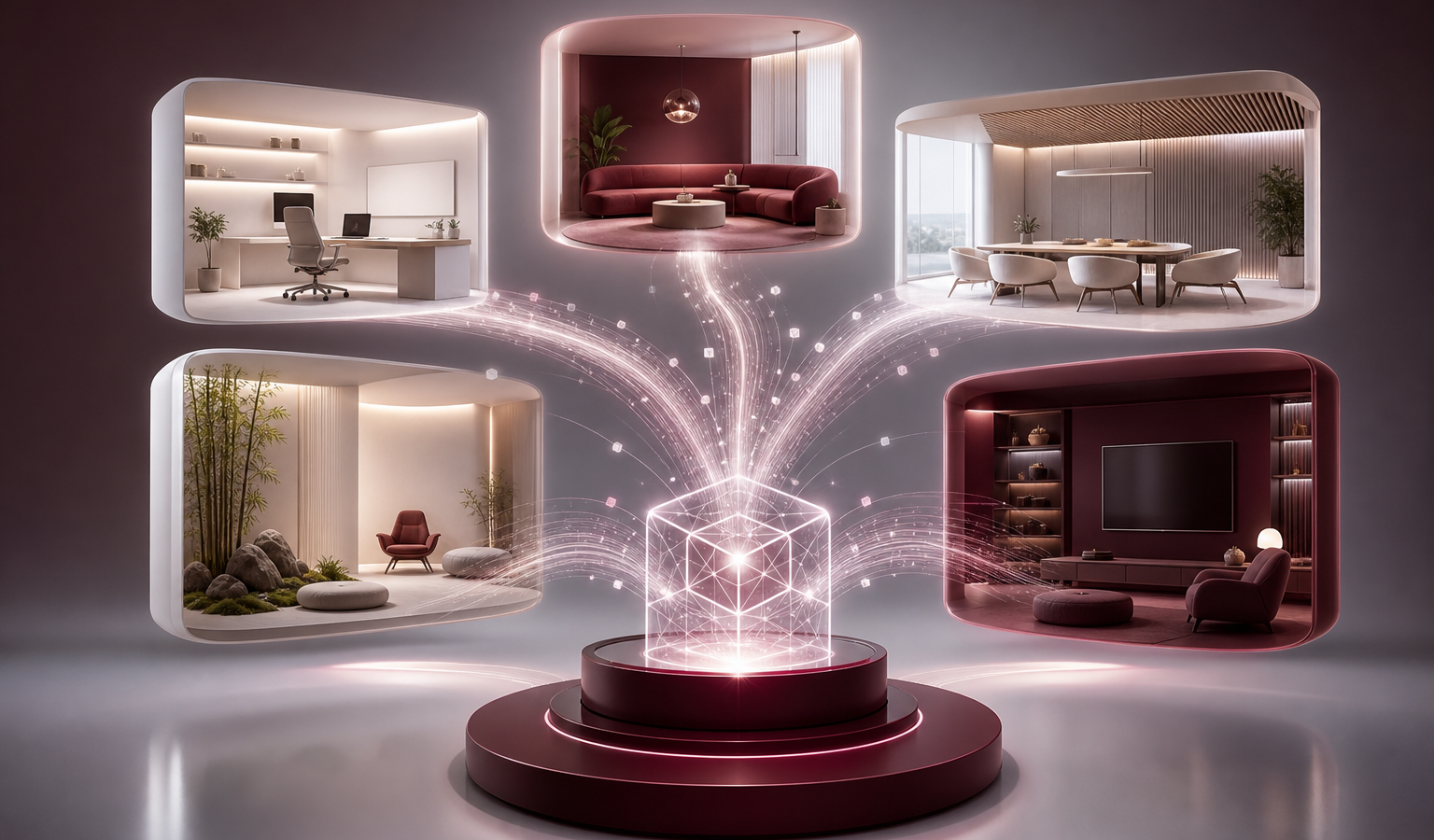
Meta is adding a new way to use its Muse AI assistant: custom spaces that turn the app into something closer to a personalized workspace. The feature, called Spaces, is designed to let people build app-like experiences inside Muse based on what they need at the moment. Instead of starting from a blank chat every time, users can create a space for a specific task and keep returning to it. This shifts Muse away from a purely conversational format and toward something that can hold a continuing project, which is the central idea behind the feature.
The idea is to make Muse more flexible as a day-to-day tool. A space can be shaped around a particular purpose, such as a shopping hub, a school dashboard, a music tracker, or even a trivia game. Once a space is created, users can interact with it directly inside the app rather than treating every request as a one-off conversation. That makes the experience feel more persistent, because the space can act as a place where related information and actions stay together instead of being scattered across separate chats.
How Spaces work
Meta says a user can create a new space by describing what they want. Muse then builds the experience, and users can continue refining it by asking the assistant to make changes. That makes the feature more iterative than a standard chat exchange. Instead of repeating the same instructions, people can adjust the structure of a space over time as their needs change. The workflow is meant to be simple at the start and adjustable afterward, so the space can evolve without requiring a user to rebuild it from scratch.
Spaces also support direct interaction. Users can check items off, add notes, and make edits inside the space itself. That suggests Meta wants Muse to function not just as a conversational assistant, but as an environment where tasks can be organized and updated in place. In other words, the assistant is not only responding to prompts; it is also providing a structure where the user can carry out the work directly.
Connected apps keep spaces current
If a space is connected to a relevant app, Muse can update information in the background. Meta says that includes details such as pricing and dates. In practical terms, that means a space can stay useful without requiring constant manual refreshes from the user. The connected-app piece gives Spaces a maintenance advantage, since information that changes over time can be handled by the system rather than by repeated user checks.
This background updating is a key part of the feature’s appeal. A shopping-focused space, for example, could reflect changing prices. A schedule-related space could keep dates current. Meta is positioning Spaces as a way to make Muse more responsive to information that changes over time. That responsiveness matters because it allows a space to remain relevant after it is created, instead of becoming outdated as soon as the underlying details shift.
Where Spaces fit in Muse
Meta’s announcement reflects a broader shift in AI assistants toward more customized, task-specific experiences. Rather than only answering questions, Muse is being expanded to help users create a dedicated place for the information or activity they care about right now. That could make the assistant feel less generic and more tailored to the moment. It also gives Muse a role that is closer to an organizing tool, since the user can shape the environment around the task instead of just asking for a reply.
Users can also add spaces to the sidebar in Muse, which should make it easier to keep them accessible. That detail suggests Meta wants spaces to behave more like persistent parts of the app rather than temporary chat sessions. By keeping them visible and editable, the company is encouraging repeated use. The sidebar placement helps reinforce the idea that a space is something the user can return to later, rather than a one-time interaction that disappears from view.
Why the feature matters
Spaces point to a version of AI software that is less about isolated prompts and more about ongoing workflows. If users can build a dashboard, a tracker, or a game and keep it updated inside the assistant, Muse becomes more than a text box. It starts to resemble a customizable interface that adapts to different contexts. That is a meaningful change in how an assistant can be used, because it gives people a place to manage a task instead of only asking about it.
That could appeal to people who want their assistant to do more than answer questions. A custom space can organize details, keep track of changes, and present information in a format suited to the task at hand. In that sense, Spaces may be one of the clearest examples yet of Meta trying to make Muse feel like a place where useful mini-apps can live, not just a place where prompts are processed. The feature makes the app feel more structured while still keeping the interaction inside Muse itself.
Conclusion
With Spaces, Meta is giving Muse a more structured and customizable identity. The feature allows users to describe what they need, build a dedicated space, and keep it updated through connected apps when relevant. For an AI assistant, that is a meaningful step toward more persistent and practical experiences inside the app. It also shows how Muse is being positioned to support tasks that continue over time rather than only single exchanges.
If Meta continues in this direction, Muse could become a more personal tool for organizing tasks, tracking information, and interacting with content in ways that are more visual and more durable than a standard chat thread. That would make Spaces not just a new feature, but a sign of how Meta wants the assistant to fit into everyday use.